8 Best Scraping Browsers for 2026
best-scraping-browsers
In this guide, we’ll dive into the 8 best scraping browsers for 2025. Whether you’re scraping social media, e-commerce sites, or dynamic job listings, there’s a browser that fits your needs. Let’s explore the features, pros, cons, and pricing of each so you can find the perfect fit for your project!
TL;DR
- Bright Data — Powerful, scalable cloud-based browser with proxies.
- Zyte — Flexible, cloud-hosted, strong JavaScript and geolocation.
- ZenRows — Easy API, human-like interaction, affordable pricing.
- Scrapeless — Focus on CAPTCHAs, dynamic content detection.
- Nodemaven — Highly customizable, auto-scaling with debugging.
- ScrapingBee — Handles JavaScript, great for dynamic content.
- Apify — Versatile, automates workflows, cloud-based scraping.
- DataMiner — No-code, point-and-click browser extension.
Top 8 Best Scraping Browsers For Your Project
Looking for the best scraping browsers? Here is a list of the top 8 options to help you choose the right tool for your web scraping project. Let’s explore them!
Bright Data
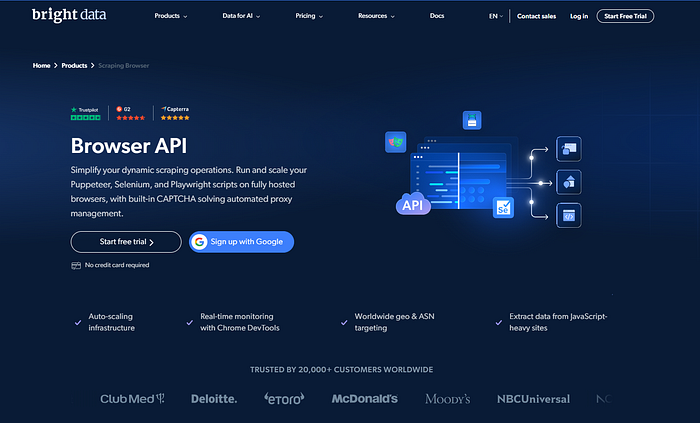
Bright Data is a powerful scraping browser designed for large-scale projects. It offers a cloud-based environment for scraping, which helps scale operations easily. The browser supports popular headless libraries like Puppeteer, Selenium, and Playwright.
Bright Data’s extensive proxy network and built-in CAPTCHA solver allow seamless data extraction from geo-restricted or protected sites. It also offers real-time debugging and testing through a code editor. Businesses and developers can experiment, test, and refine their scraping strategies with this tool. While it’s highly customizable, Bright Data is ideal for complex and high-demand scraping tasks.
Key Features
- Cloud-Based Scraper: Bright Data’s Scraping Browser provides cloud-based scraping, allowing you to scale operations without worrying about infrastructure.
- Comprehensive Proxy Support: With access to over 195 locations, you can easily bypass geo-restrictions and avoid IP bans.
- Built-in CAPTCHA Solver: The scraping browser features an automatic CAPTCHA solver, simplifying the scraping process without requiring manual intervention.
- Supports Puppeteer, Selenium, and Playwright: You can use your preferred headless browser library to control the scraping process.
Pros
- Excellent for large-scale scraping projects.
- Great proxy infrastructure for overcoming geographical barriers.
- Real-time code editor for testing and debugging.
- 24/7 customer support and dedicated account managers.
Cons
- Can be expensive for smaller-scale projects.
- Premium features such as specialized proxies come with extra charges.
- Complexity might be overwhelming for beginners.
Pricing
- PAYG: Starts at $8 per GB.
- Subscription Plans: Starting at $499 per month, with 71 GB of data.
- Special Promo: Matched deposit of up to $500.
- Free Trial: A 7-day free trial is available for companies.
Zyte
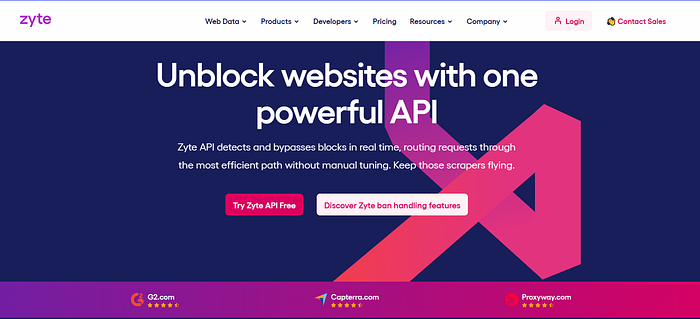
Zyte is a reliable scraping browser designed for general-purpose web scraping. It offers great flexibility with a cloud-hosted VS Code environment. Users can write and run custom scripts that simulate real user interactions, such as mouse movements and clicks.
Zyte’s advanced geolocation features simplify data extraction from region-specific websites. It supports JavaScript rendering and integrates easily with your existing scraping setup. Zyte’s pay-as-you-go pricing model makes it adaptable for projects of any size. It’s a great choice for developers seeking a tool that strikes a balance between ease of use and powerful features.
Key Features
- Flexible Pricing: Zyte offers a pay-as-you-go pricing model with custom pricing based on requests and features.
- JavaScript Rendering: Zyte can scrape websites that require JavaScript to render content.
- VS Code Integration: Write your own scripts directly in the cloud-hosted VS Code environment.
- Geolocation Selection: Zyte automatically adjusts its scraping location based on your target website.
Pros
- Easy-to-use API and developer-friendly.
- Great for scraping websites that require real user interactions.
- The cloud-hosted VS Code environment makes it easy to write and test scripts.
- Flexible pricing based on your needs.
Cons
- JavaScript rendering can add to the overall cost.
- Basic troubleshooting is handled by an AI assistant, which may not always resolve complex issues.
Pricing
- Custom pricing based on usage.
- Free Trial: New users are eligible for $5 platform credits.
ZenRows
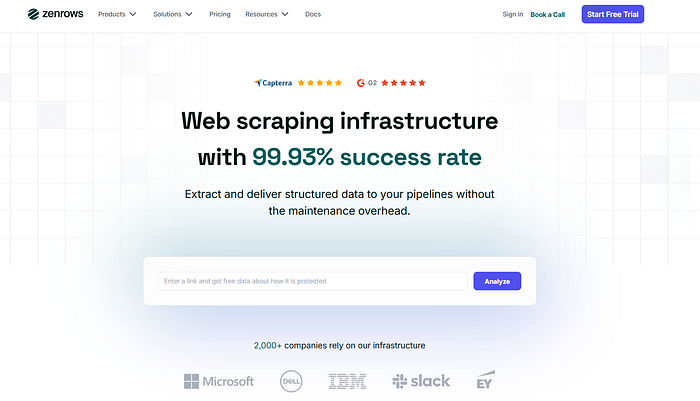
ZenRows offers an intuitive scraping browser that seamlessly integrates into your existing workflows. It simulates human-like browsing behavior, including mouse and keyboard interactions. With a large pool of residential IPs, ZenRows ensures natural scraping and reduces the risk of being blocked. It also provides simple API integration, making it easy for developers to use it in their projects.
ZenRows supports scraping from dynamic websites and offers geographic targeting for more precise data collection. Ideal for smaller-scale projects, it offers an affordable pricing model while still providing essential scraping features.
Key Features
- Simple API Integration: ZenRows offers an easy-to-use scraping browser API that integrates seamlessly into your existing setup.
- Human-Like Interaction: Simulates real user sessions by mimicking mouse movements and keyboard actions.
- Residential IP Pool: Access ZenRows’ residential IP pool for a more natural scraping experience.
Pros
- Ideal for smaller-scale scraping projects.
- Affordable pricing with a free 14-day trial and 100 MB of free traffic.
- Easy integration via API.
- Supports advanced geolocation targeting.
Cons
- Limited CAPTCHA-solving capabilities.
- Pricing can increase if your usage exceeds the free trial’s limit.
Pricing
- Subscription: Starts at $69 per month.
- Additional Charges: $0.09 per hour for scraping sessions during the free trial.
Scrapeless
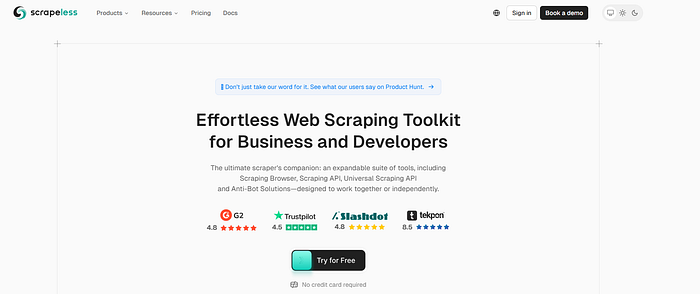
Scrapeless is a developer-friendly scraping browser that focuses on automation and the detection of dynamic content. It supports popular scraping libraries like Puppeteer and Playwright.
Scrapeless can automatically detect dynamic content and adjust scraping configurations accordingly. One standout feature is its ability to solve a wide range of CAPTCHA challenges, including reCaptcha and Cloudflare’s protections. The tool allows full control over the CAPTCHA-solving process, making it flexible and efficient for developers. Scrapeless’ subscription-based pricing gives access to a complete toolkit for automating web scraping tasks.
Key Features
- Dynamic Content Detection: Scrapeless automatically adjusts scraping configurations for dynamic websites.
- CDP API for CAPTCHA Solving: Solve a variety of CAPTCHA challenges, including reCaptcha and AWS WAF.
- Puppeteer and Playwright Integration: Easily automate data collection with these popular headless browser libraries.
Pros
- Excellent CAPTCHA-solving abilities.
- Developer-friendly interface with detailed control over scraping operations.
- Built-in content detection system adjusts to dynamic pages.
Cons
- Relatively expensive compared to other scraping browsers.
- Primarily focused on CAPTCHA challenges; might not be as flexible for other scraping needs.
Pricing
- Subscription: Starts at $49 per month.
- Free Trial: Available upon registration.
Nodemaven
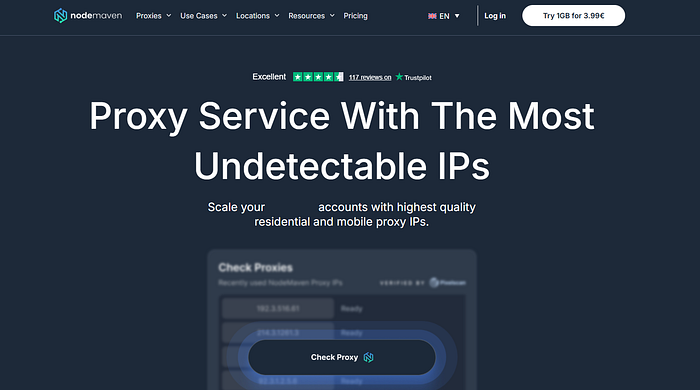
Nodemaven is a customizable scraping browser designed to work in conjunction with its proxy services. It allows for complete control over headers, cookies, and session behaviors. The tool features auto-scaling, so you can handle unlimited concurrent sessions based on demand.
Nodemaven provides real-time debugging and testing, making it ideal for developers who need precise control over their scripts. While it’s available only with Nodemaven’s proxy plan, it ensures efficient scraping and is tightly integrated with their proxy services. It is a great option for developers seeking advanced customization and testing features.
Key Features
- Customization Options: Offers detailed control over headers, cookies, and session behavior.
- Auto-Scaling: The platform automatically adjusts browser instances based on demand, allowing for unlimited concurrent sessions.
- Real-Time Debugging: Nodemaven provides a live debugging feature through CDP for script testing and troubleshooting.
Pros
- Great for developers who need high levels of customization.
- Works seamlessly with NodeMaven’s proxy service.
- 24/7 support and real-time debugging.
Cons
- Only available with a proxy plan from Nodemaven.
- Might be difficult for beginners to set up due to its high level of customization.
Pricing
- PAYG: Based on traffic.
- Free Trial: 1 GB for $3.99.
- Subscription: Pricing starts at $3.33 per GB, with a minimum of $30 for 9 GB.
ScrapingBee
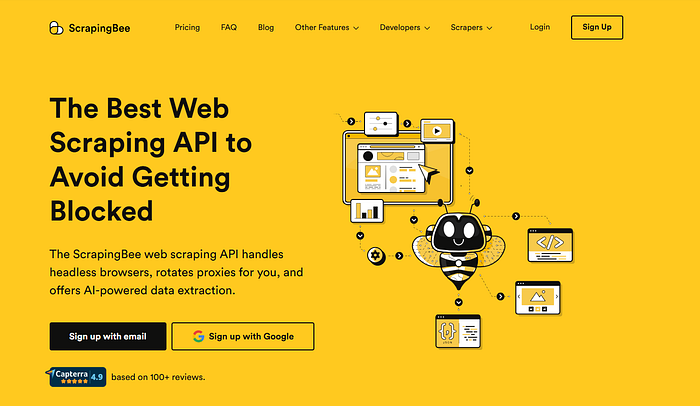
ScrapingBee is a powerful tool designed for scraping websites with heavy JavaScript content. It automatically handles proxy rotation and manages IPs to avoid bans. ScrapingBee is capable of rendering JavaScript, making it suitable for modern websites that rely on dynamic content.
The platform offers a user-friendly API for seamless integration into your scraping setup. Although it lacks advanced CAPTCHA-solving capabilities, ScrapingBee excels in fast and reliable scraping for basic to medium-complex websites. It’s a good choice for developers seeking simplicity and reliability in their scraping tasks.
Key Features
- Proxy Management: ScrapingBee handles proxy rotation and manages IPs to avoid blocks.
- JavaScript Rendering: Capable of rendering JavaScript content, making it ideal for modern websites.
- One-Click API: Easy-to-use API that simplifies the scraping process.
Pros
- Handles both static and dynamic websites efficiently.
- Great proxy management to avoid IP bans.
- Simple API that’s easy to integrate.
Cons
- Lacks advanced CAPTCHA-solving capabilities.
- Pricing can get high for larger-scale projects.
Pricing
- PAYG: Starts at $49 per month for 250,000 requests.
- Subscription: Custom pricing for larger plans.
Apify
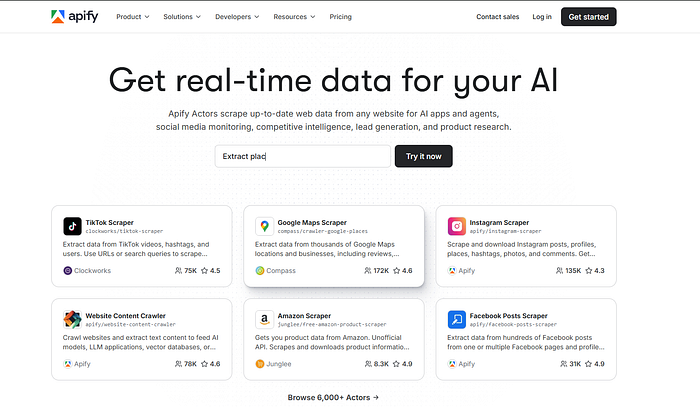
Apify is a versatile scraping browser that offers strong automation features. It supports headless browsers like Puppeteer and Playwright. Apify’s cloud-based scraping allows you to scale without extra infrastructure. Users can create custom scraping workflows and automate tasks such as form submissions and content extraction.
The platform offers various tools to help manage and monitor your scraping operations. Apify’s easy-to-use API makes it a great option for developers who need both simplicity and flexibility in their scraping projects.
Key Features
- Headless Browsers: Supports Puppeteer, Playwright, and other headless browser libraries.
- Custom Workflows: Apify enables you to create custom workflows tailored to your scraping projects.
- Cloud Scraping: Apify operates in the cloud, providing scalability without the need for infrastructure management.
Pros
- Excellent for automation and custom scraping workflows.
- Built-in proxy rotation and CAPTCHA solving.
- Affordable for small and medium-sized projects.
Cons
- Lacks full-scale customization compared to other providers.
- The platform might not be ideal for very complex scraping tasks.
Pricing
- Subscription: Starts at $49 per month.
- Free Trial: 14-day free trial available.
DataMiner
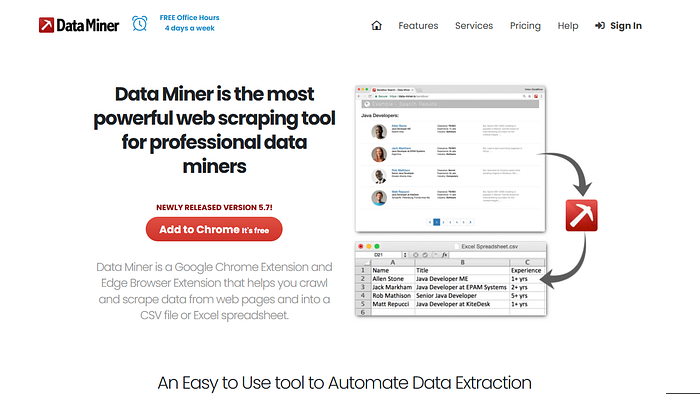
DataMiner is a browser extension that simplifies the scraping process for users without programming experience. It allows you to scrape data by simply clicking on the elements you want to extract. DataMiner is ideal for beginners, as it requires no coding skills. It offers an intuitive point-and-click interface that makes data scraping accessible to everyone.
The extension operates directly within your browser, making it a quick solution for small scraping tasks. While it may not offer advanced features like CAPTCHA solving, DataMiner is a great option for those who need a simple and easy-to-use scraping tool.
Key Features
- Browser Extension: DataMiner offers a browser extension that allows you to scrape directly from your browser.
- Point-and-Click Interface: No coding required. Users can scrape data by simply pointing and clicking on the elements.
- Cloud Scraping: The data is scraped in the cloud, allowing for easy scaling of operations.
Pros
- No coding required, making it ideal for non-developers.
- Simple and intuitive interface.
- Cloud-based scraping allows for scalability.
Cons
- Limited features for advanced scraping needs.
- Less flexible compared to other scraping tools that support code-based automation.
Pricing
- Subscription: Starts at $19.99 per month for 5,000 pages.
- Free Plan: Limited scraping capabilities are available for free.
Conclusion
When choosing a scraping browser for your project in 2025, consider factors like the complexity of the website you’re scraping, the scale of your project, and your budget. For large-scale and enterprise-level projects, Bright Data and Zyte are excellent choices, offering robust features, support, and scalability. For smaller projects, ZenRows and Scrapeless offer more affordable options with flexible pricing models.
By understanding the key features, pros, cons, and pricing of each scraping browser, you can select the one that best fits your needs, whether you’re scraping social media, e-commerce listings, or dynamic websites.