10 Best LinkedIn Scrapers in 2026
In this article, we’ll go over 10 of the best LinkedIn scrapers for 2025. We’ll look at their key features, pros, cons, and pricing to help you choose the right one for your needs.
Top 10 Best LinkedIn Scraping Tools
Looking for the best LinkedIn scraping tools? Here are the top 10 options for 2025. These tools help automate data extraction and boost your productivity.
If you are in a hurry, see the TL;DR list below:
- Bright Data — Large-scale automated LinkedIn, robust proxy network.
- Skrapp — Chrome extension for fast, verified email extraction.
- Evaboot — Easy LinkedIn Sales Navigator lead data exporter.
- Phantombuster — Multi-platform cloud automation, AI messaging, outreach.
- Linked Helper — Desktop app automates LinkedIn tasks and messaging.
- TexAu — Workflow automation for LinkedIn and multiple platforms.
- Captain Data — No-code LinkedIn extraction, account rotation, CRM integration.
- Waalaxy — Simple cloud-based LinkedIn and email automations.
- Dux-Soup — LinkedIn automation, human-like actions, multi-tier pricing.
- Dripify — Cloud tool for drip LinkedIn lead automation.
Bright Data
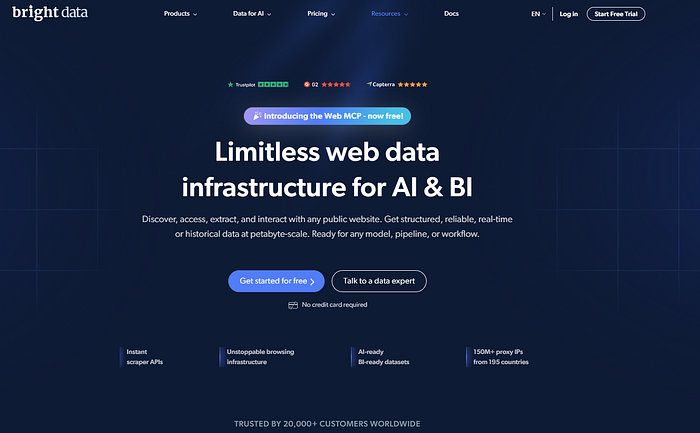 Bright Data’s website
Bright Data is a powerful LinkedIn scraper designed for large-scale data extraction. It is known for its extensive proxy network, including residential, datacenter, and mobile proxies. This network helps bypass LinkedIn’s restrictions, allowing data to be extracted smoothly. Businesses that need reliable access to LinkedIn’s public information will find it useful. The tool can automatically collect data from profiles, jobs, posts, and companies.
It is a great choice for developers and enterprises. The API-first design makes it easy to integrate into existing systems. However, setting up Bright Data requires some technical knowledge, making it better suited for advanced users. The company also offers LinkedIn datasets, which might be a better solution for less technical data teams.
Key Features
- Proxy Network: Access LinkedIn data using residential, datacenter, mobile, and ISP proxies.
- Automated Extraction: Extract data from LinkedIn profiles, posts, jobs, and companies.
- API-Based: Easily integrate with existing systems using API-based scraping.
- Scheduled Crawls: Set up recurring LinkedIn crawls to collect data continuously.
Pros
- High uptime and reliable data access.
- Can bypass LinkedIn’s restrictions with proxies.
- Offers a range of proxies to ensure smooth scraping.
Cons
- Requires technical knowledge to set up.
- More expensive than single-purpose scrapers.
Pricing
- Starts from USD 5.88 per GB for residential proxies.
- Scraper APIs begin at USD 1.05 per 1,000 requests.
Skrapp
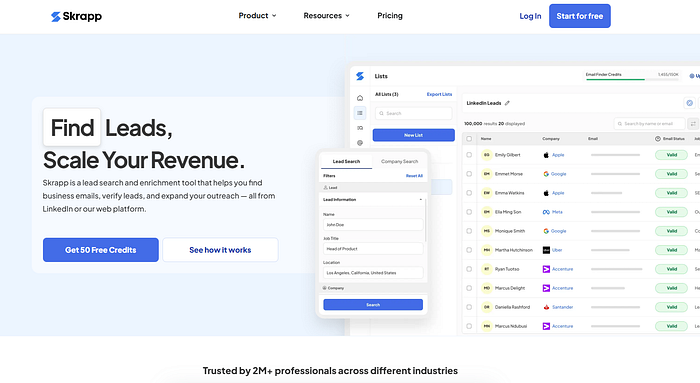 Skrapp’s website
Skrapp is one of the most popular LinkedIn scrapers for email extraction. This tool is ideal for sales and marketing professionals who need to gather verified business emails from LinkedIn profiles quickly. Skrapp operates as a Chrome extension, which makes it easy to use directly on LinkedIn and Sales Navigator.
The scraper can extract up to 2,500 verified emails in a single operation, ensuring a high success rate of approximately 92%. Skrapp’s ability to organize leads into lists and export them as CSV files is an excellent feature for lead generation. While it focuses on email extraction, it lacks some advanced CRM features, which may limit its use for those looking for a broader solution.
Key Features
- Chrome Extension: Works as a Chrome extension, seamlessly integrating with LinkedIn and Sales Navigator.
- Email Extraction: Extracts up to 2,500 verified business emails per operation.
- Real-Time Email Verification: Offers 92% success rate in email verification.
- Lead Export: Organize leads into lists and export them as CSV files.
Pros
- Easy-to-use Chrome extension.
- High email verification accuracy.
- Integrates with LinkedIn Sales Navigator.
Cons
- Limited to email extraction; lacks CRM functionalities.
- Email verification can sometimes be inaccurate.
- Basic user interface.
Pricing
- Free: 50 email credits per month.
- Professional: $37/month for 1,000 email credits.
- Enterprise Plans: Start at $75/month for 5,000 email credits.
Evaboot
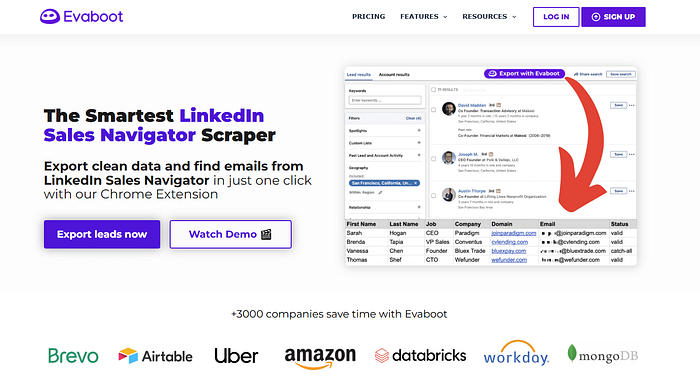 Evaboot’s website
Evaboot is a LinkedIn scraper designed to work with LinkedIn Sales Navigator. It helps automate lead extraction, making it ideal for sales professionals. Users can easily export leads from Sales Navigator search results to a CSV file with just one click. The tool also cleans and enriches the data by fixing typos and removing unwanted symbols. Additionally, Evaboot can find and verify professional email addresses, ensuring that the lead data is accurate and high-quality. However, Evaboot is only compatible with LinkedIn Sales Navigator and does not work with the free version of LinkedIn. It’s an excellent tool for those using Sales Navigator who want to save time and improve their lead generation process.
Key Features
- Lead Extraction: Export leads directly from LinkedIn Sales Navigator into CSV files.
- Data Cleaning: Automatically removes emojis, fixes typos, and corrects capitalizations.
- Email Finder: Finds and verifies professional email addresses.
- False Positive Detection: Identifies and excludes irrelevant leads.
Pros
- Simple to set up and use.
- Seamless integration with LinkedIn Sales Navigator.
- Saves time by automating lead extraction.
Cons
- Only works with LinkedIn Sales Navigator.
- No built-in email outreach features.
- Can be expensive for large-scale operations.
Pricing
- Basic: $9/month for 100 credits.
- Pro: $29/month for 500 credits.
- Enterprise: $99/month for 4,000 credits.
Phantombuster
 Phantombuster’s website
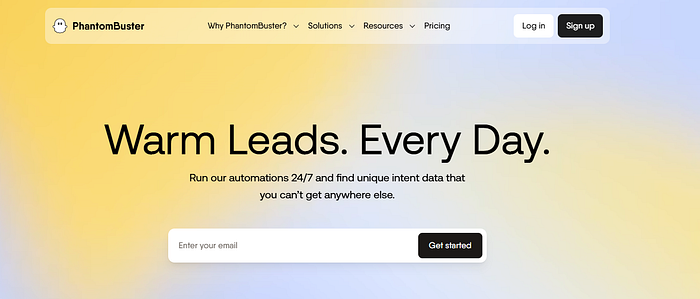
Phantombuster is a versatile automation tool that allows users to extract LinkedIn data and perform other tasks on multiple social platforms. It supports data scraping from LinkedIn profiles, posts, events, and more. Phantombuster stands out because it can handle automated outreach, such as sending connection requests and personalized messages. It even uses AI to help craft customized outreach messages. The tool operates in the cloud, which reduces the chances of detection compared to browser-based scrapers.
Phantombuster is great for users who need to automate multiple steps in their lead generation process. However, it has a higher learning curve and can be more expensive than simpler alternatives.
Key Features
- Multi-Platform Support: Scrapes data from LinkedIn, Instagram, Facebook, and more.
- Automated Outreach: Send automated connection requests and personalized messages to enhance engagement.
- CRM Integration: Sync data with platforms like HubSpot and Salesforce.
- AI-Powered Content: Automate message writing with AI.
Pros
- Versatile tool for multiple platforms, not just LinkedIn.
- Cloud-based, reducing detection risk.
- Powerful automation capabilities.
Cons
- Higher pricing compared to single-purpose tools.
- Requires a learning curve.
- Limited free trial period (14 days).
Pricing
- Starter: $56–69/month for 20 hours of execution time.
- Pro: $128–159/month for 80 hours of execution time.
- Team: $352–439/month for 300 hours of execution time.
Linked Helper
 Linked Helper’s website
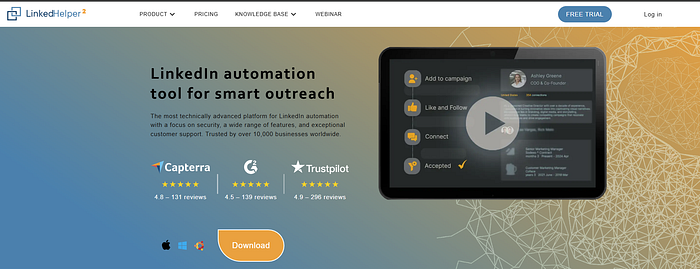
Linked Helper is a desktop application designed to automate LinkedIn tasks, making it ideal for sales teams and recruiters. It helps automate connection requests, follow-ups, and messaging, streamlining LinkedIn outreach efforts. The tool features a built-in CRM to organize LinkedIn connections and manage relationships effectively.
Linked Helper can extract emails and export data, making it a great option for businesses that need to build and maintain an extensive network of leads. The flexibility of this tool allows for a customized outreach experience. However, since it’s a desktop application, your computer must remain on during campaigns. This could be a limitation for users who prefer cloud-based tools or need to run campaigns without keeping their devices active.
Key Features
- Smart Automation: Send connection requests, build message chains, and track replies automatically.
- CRM Integration: Manage LinkedIn connections with an integrated CRM.
- Email Finder: Extract emails from profiles with credits included.
- Third-Party Integration: Sync with CRMs like HubSpot and Pipedrive.
Pros
- Offers strong security features due to its desktop app.
- Works with all LinkedIn platforms, including Sales Navigator and Recruiter.
- Provides excellent customer support.
Cons
- Requires the computer to remain on during campaigns.
- Complex proxy management.
- Can be tricky for new users to understand.
Pricing
- Free Trial: 14 days with basic features.
- Standard: $15/month for 620 credits.
- Pro: $45/month for 3,100 credits.
TexAu
 TexAu’s website
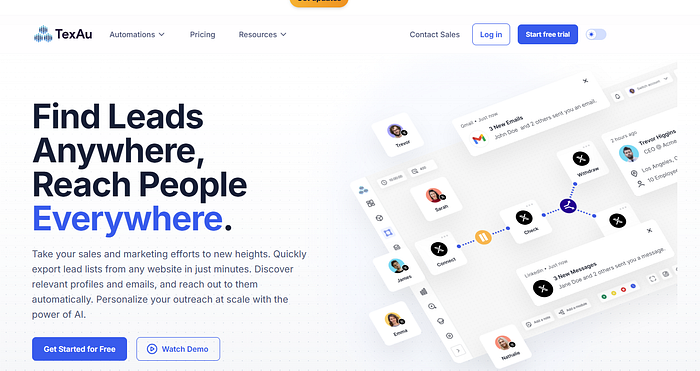
TexAu is an automation platform that supports LinkedIn data scraping, as well as other social media platforms. It is ideal for businesses and professionals who want to automate their lead generation and prospecting processes. TexAu enables users to extract data in bulk, clean it, and integrate it directly into their CRM systems.
One of the standout features is its email verification system, which helps ensure that leads are of high quality. TexAu also allows for creating complex workflows, enabling users to automate a wide range of tasks. However, the platform requires some technical knowledge to set up, and the user interface can be complex for beginners to navigate.
Key Features
- Multi-Platform Support: Automate processes across LinkedIn, Instagram, and other platforms.
- Email Verification: Find verified emails with an 87% profile match rate.
- Workflow Automation: Create workflows to automate data extraction and CRM updates.
- Integration: Integrates with CRMs like HubSpot and Salesforce.
Pros
- Supports over 180 automations.
- Cloud-based, no need to keep your computer on.
- Great for integrating multiple platforms and tools.
Cons
- Difficult proxy setup.
- Some features require constant monitoring.
- Steep learning curve.
Pricing
- Starter: $79/month for 30 hours of automation.
- Teams: $199/month for 100 hours.
- Agency: $459/month for 250 hours.
Captain Data
 Captain Data’s website
Captain Data is a no-code platform designed to automate LinkedIn data extraction and lead enrichment. This tool is particularly useful for businesses that require custom workflows for LinkedIn prospecting. Captain Data allows users to extract data from LinkedIn profiles, track job changes, and even detect meaningful interactions, such as career updates. It integrates well with Google Sheets and other CRM platforms, making it easy to manage extracted data. The platform also features account rotation capabilities to help users avoid LinkedIn restrictions. While it offers great customization, the pricing can be higher than some other LinkedIn scrapers, and the tool may not be as suitable for smaller teams or solo users.
Key Features
- LinkedIn-Specific Actions: Extract post likers, visit profiles, and search content.
- Real-Time Data: Detect career changes and important interactions.
- Account Rotation: Avoid LinkedIn limits by rotating accounts.
- CRM Integration: Sync data with Google Sheets and other CRM tools.
Pros
- Customizable workflows for specific needs.
- Bypasses LinkedIn’s restrictions.
- Easy-to-use interface for non-technical users.
Cons
- Higher pricing compared to other scrapers.
- Some fixed workflows can’t be changed.
- Customer support could be better.
Pricing
- POC: $99/month for 2,500 credits.
- Launch: $399/month for 10,000 credits.
- Enterprise: Custom pricing.
Waalaxy
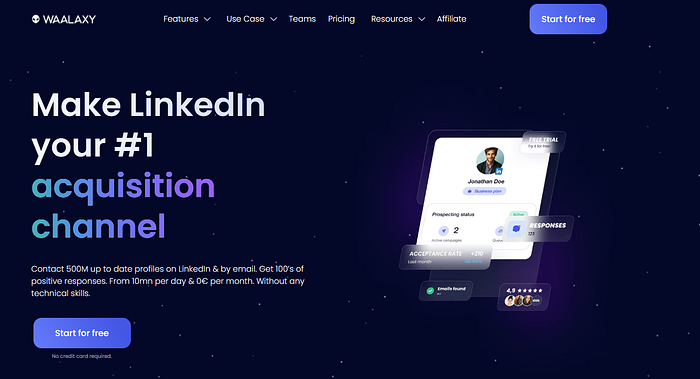 Waalaxy’s website
Waalaxy, formerly known as ProspectIn, is a user-friendly cloud-based LinkedIn automation tool designed for efficient prospecting and lead generation. It helps businesses automate connection requests, messaging, and follow-ups without needing any technical skills.
Waalaxy’s key feature is its ability to create multi-channel campaigns, combining LinkedIn outreach with email marketing for a more holistic approach. Additionally, the tool offers AI-powered message writing to help personalize outreach at scale.
Waalaxy is ideal for small businesses, freelancers, and recruiters looking to automate their LinkedIn processes efficiently. However, it may have limitations in terms of campaign customization, and higher-tier plans are needed to unlock full functionality.
Key Features
- Automated LinkedIn Sequences: Automate connection requests and messages.
- Multi-Channel Campaigns: Combine LinkedIn outreach with email marketing.
- AI-Powered Features: Helps write personalized messages using AI.
Pros
- No technical skills required.
- Pre-built templates for quick setup.
- Multi-channel outreach options.
Cons
- Limited customization for automation sequences.
- Requires higher pricing for email outreach.
- Some syncing issues with LinkedIn.
Pricing
- Freemium: 80 invitations per month.
- Pro: $21/month.
- Advanced: $44/month.
Dux-Soup
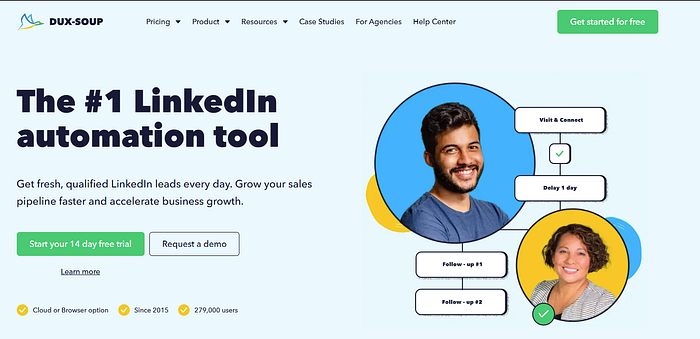 Dux-Soup’s website
Dux-Soup is a powerful LinkedIn automation tool that offers a range of features for lead generation and outreach. It automates tasks such as sending connection requests, messaging, and profile visits, making it a great option for sales teams.
Dux-Soup also allows users to extract LinkedIn data, including contact information, and organize it into lists for easy follow-up. One of the tool’s key advantages is its ability to simulate human-like behavior, which helps prevent detection by LinkedIn. However, the tool requires your computer to remain on during campaigns, which may be inconvenient for some users. Dux-Soup also offers different pricing tiers depending on the level of functionality needed.
Key Features
- Multi-Step Campaigns: Create drip campaigns with up to 12 actions.
- Data Scraping: Extract LinkedIn data and export it to CSV.
- Profile Tagging: Organize leads by tagging profiles.
Pros
- Well-established tool with proven results.
- Works with all LinkedIn platforms.
- Includes built-in safety features like throttling.
Cons
- Requires your computer to remain on for non-cloud versions.
- Interface may be difficult for beginners.
- Can slow down LinkedIn navigation.
Pricing
- Pro Dux: $14.99/month.
- Turbo Dux: $55/month.
- Cloud Dux: $99/month.
Dripify
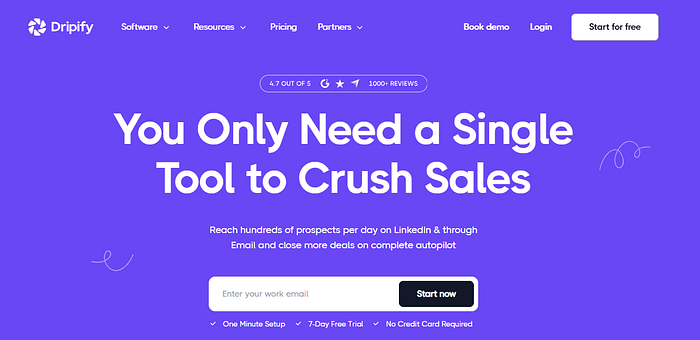 Dripify’s website
Dripify is a cloud-based LinkedIn automation tool that helps businesses generate leads and nurture relationships automatically. It supports drip campaigns, where you can automate personalized connection requests and follow-up messages. The platform offers advanced LinkedIn protection, including human behavior simulation to avoid detection by LinkedIn’s algorithms.
Dripify also enables team management, making it a suitable choice for businesses with multiple users. The tool is user-friendly and provides responsive customer support. However, as your campaigns scale, the pricing can increase significantly, and some users may find the workflow editing options inflexible. Overall, Dripify is great for businesses with well-defined target audiences looking for automated LinkedIn outreach.
Key Features
- Drip Campaigns: Automate connection requests and InMails.
- Personalization: Use up to 20 variables to personalize messages.
- Advanced LinkedIn Protection: Human behavior simulation to avoid detection.
- Team Management: Role-based access for team collaboration.
Pros
- Simple and user-friendly interface.
- Cloud-based, requires no active computer.
- Responsive customer support.
Cons
- Limited email automation capabilities.
- High pricing at scale.
- Inflexible workflow editing.
Pricing
- Basic: $39/month.
- Pro: $59/month.
- Advanced: $79/month.
Conclusion
Choosing the right LinkedIn scraper depends on your needs. Bright Data stands out with its reliable proxy network and powerful data extraction capabilities, making it ideal for large-scale scraping. However, other tools like Skrapp, Evaboot, and Phantombuster offer specialized features for email extraction, Sales Navigator integration, and multi-platform automation. Consider your specific requirements, budget, and operational scale when selecting the best tool for your needs.